GitOps gets thrown around as both a practice and a product feature. In Tanzu Application Platform, it's firmly the former — the platform's supply chains are themselves implemented as Kubernetes controllers that react to git state, giving you GitOps by default without needing to choose and configure separate tooling.
Supply Chains: The TAP GitOps Engine
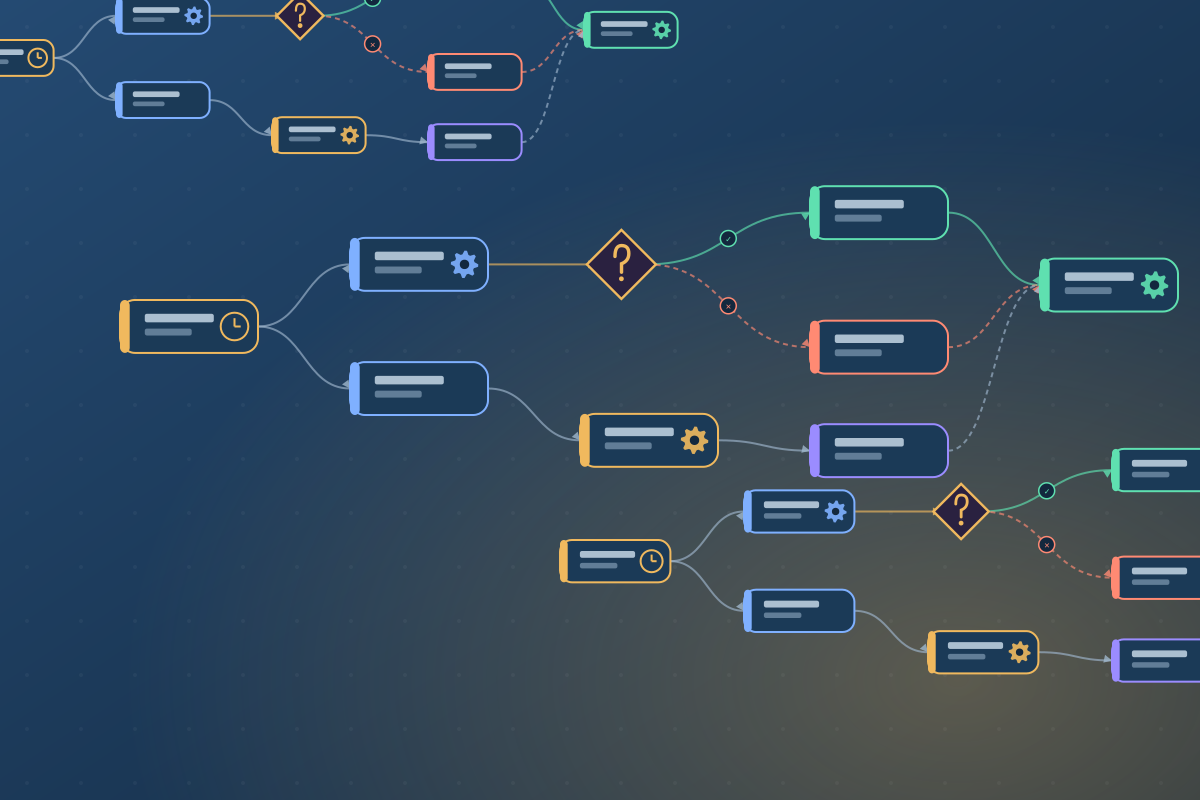
TAP's ClusterSupplyChain resource defines a DAG of steps that transform source code into a running workload:
Source (git) → Image Build (kpack) → Config (Carvel) → GitOps Commit → Deploy (Flux)
Each step produces an output (a digest, a URL, a config bundle) that feeds into the next. The chain is triggered by a developer pushing a Workload object, not by a webhook — the controller polls git for changes itself.
The GitOps step in the default supply chain commits generated Kubernetes manifests to a separate config repo, then hands off to Flux to apply them. This means your running cluster state is always derivable from two git repos: the source repo and the config repo.
Configuring Your Own Git Repository
By default, TAP writes to a built-in Gitea instance. Connecting your own GitHub or GitLab repo requires a Secret with credentials and a patch to the supply chain:
apiVersion: v1
kind: Secret
metadata:
  name: gitops-ssh
  namespace: my-team
  annotations:
    tekton.dev/git-0: github.com
type: kubernetes.io/ssh-auth
data:
  ssh-privatekey: <base64-encoded-key>
---
apiVersion: carto.run/v1alpha1
kind: Workload
metadata:
  name: payments-api
spec:
  source:
    git:
      url: https://github.com/my-org/payments-api
      ref:
        branch: main
  params:
    - name: gitops_repository
      value: https://github.com/my-org/payments-api-config
    - name: gitops_branch
      value: main
The Audit Trail You Get For Free
Because every step in the supply chain records its inputs and outputs as Kubernetes status conditions, you get an immutable audit trail:
- Which git commit triggered the build
- Which buildpack version produced the image
- Which image digest was deployed
- Who approved the workload (via RBAC on the
Workloadresource)
kubectl describe workload payments-api -n my-team
# Status.Conditions shows each supply chain step's result
This answers a compliance question that usually requires a bespoke toolchain: "what exact source code is running in production right now?"
Testing and Scanning Integration
TAP's testing supply chain variant adds a Tekton pipeline step before the image build. Plug in your test suite, and the supply chain gates image promotion on test passage. The scanning step runs Grype (or your choice of scanner) against the built image before it can be deployed — supply chain security without a separate SBOM pipeline.
For teams starting their GitOps journey, TAP's opinionated defaults are a strong starting point. The Cartographer supply chain model is also open enough to customise when you outgrow the defaults.